
Download iPhone Tool Kits – backup, iPhone, iPod, iTouch, data transfer, file backup, mobile app, utility, tool, productivity
Overview
iPhone Tool Kits is a mobile application designed to address a common challenge faced by users of Apple devices such as the iPhone, iPod, and iTouch. These devices, while powerful and widely used, often present difficulties when transferring data to a PC due to Apple’s proprietary ecosystem and limited native support for direct file access. iPhone Tool Kits offers a solution by enabling seamless data transfer between these devices and computers, particularly for users seeking to back up essential files. The app is tailored for individuals who value data security and convenience, especially those without advanced technical expertise.
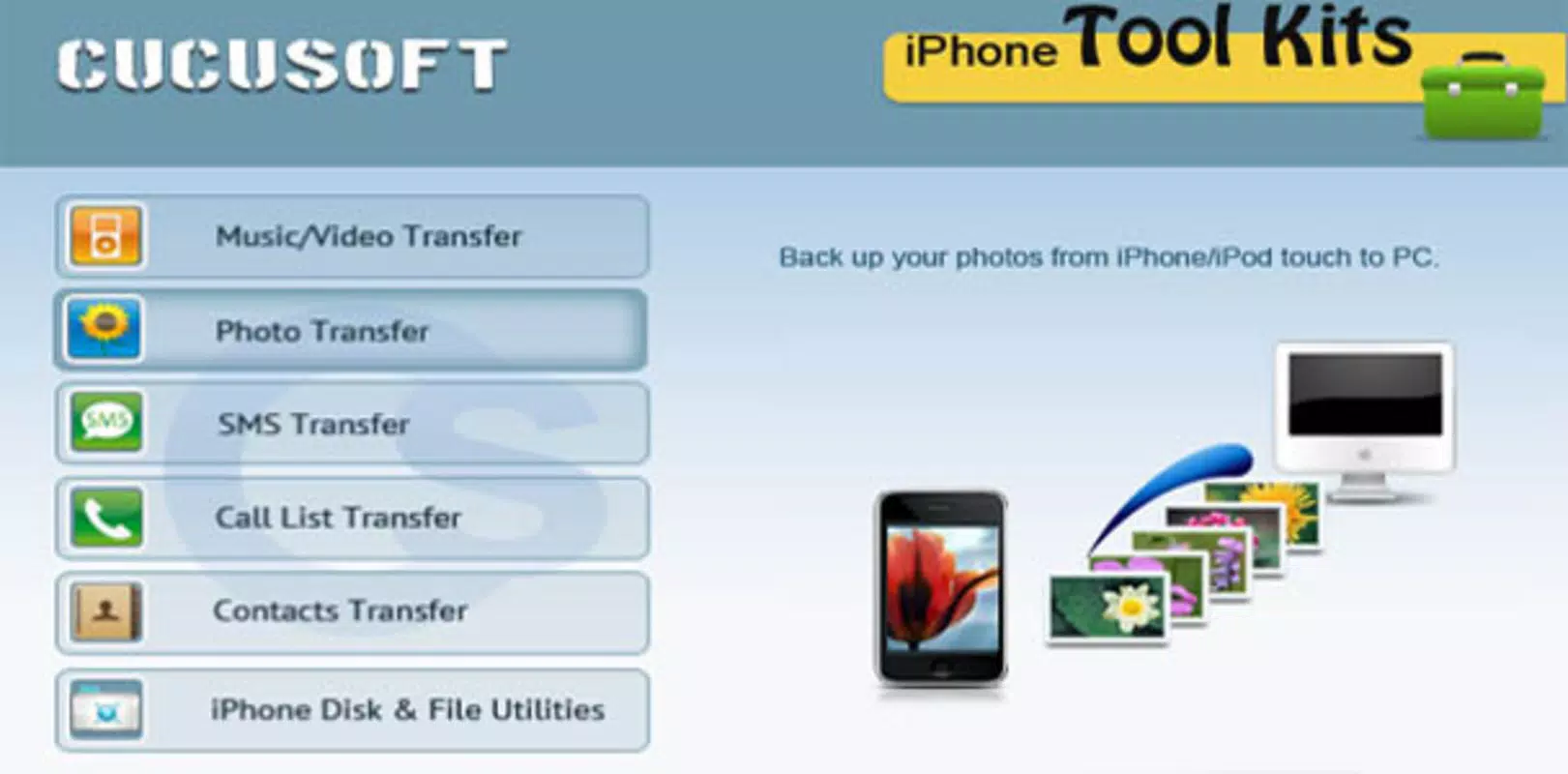
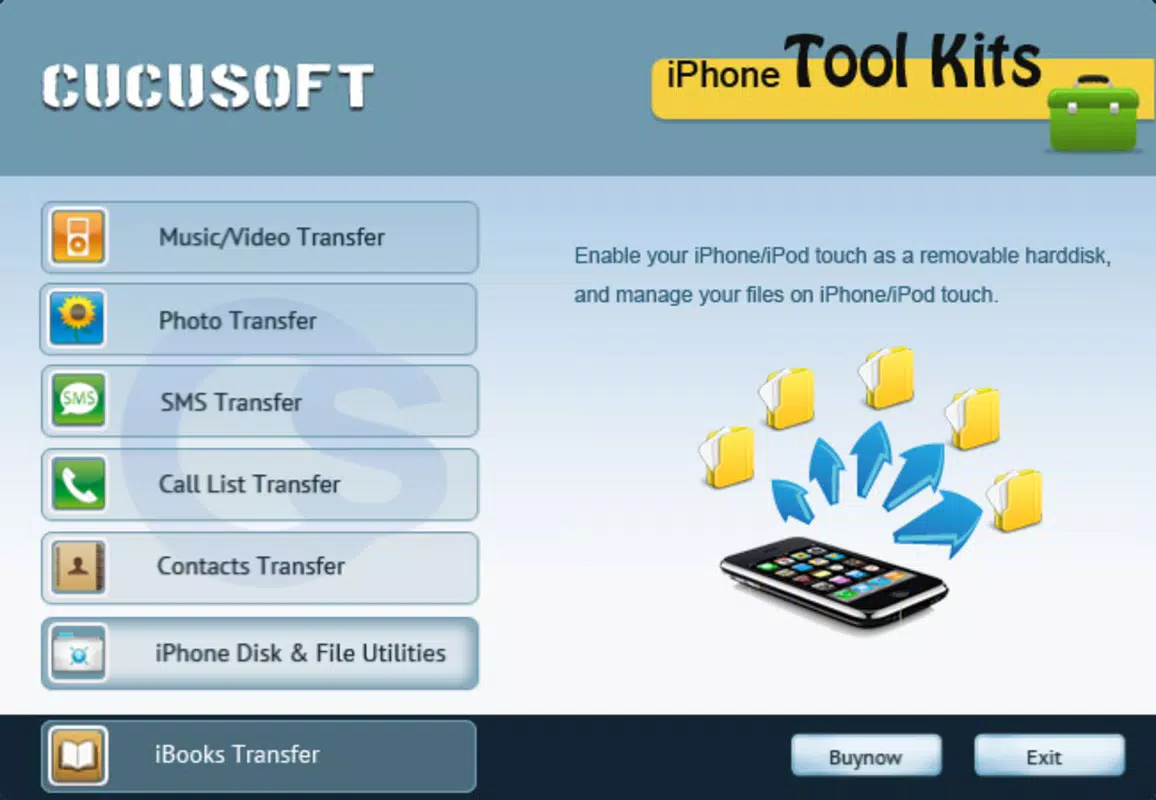
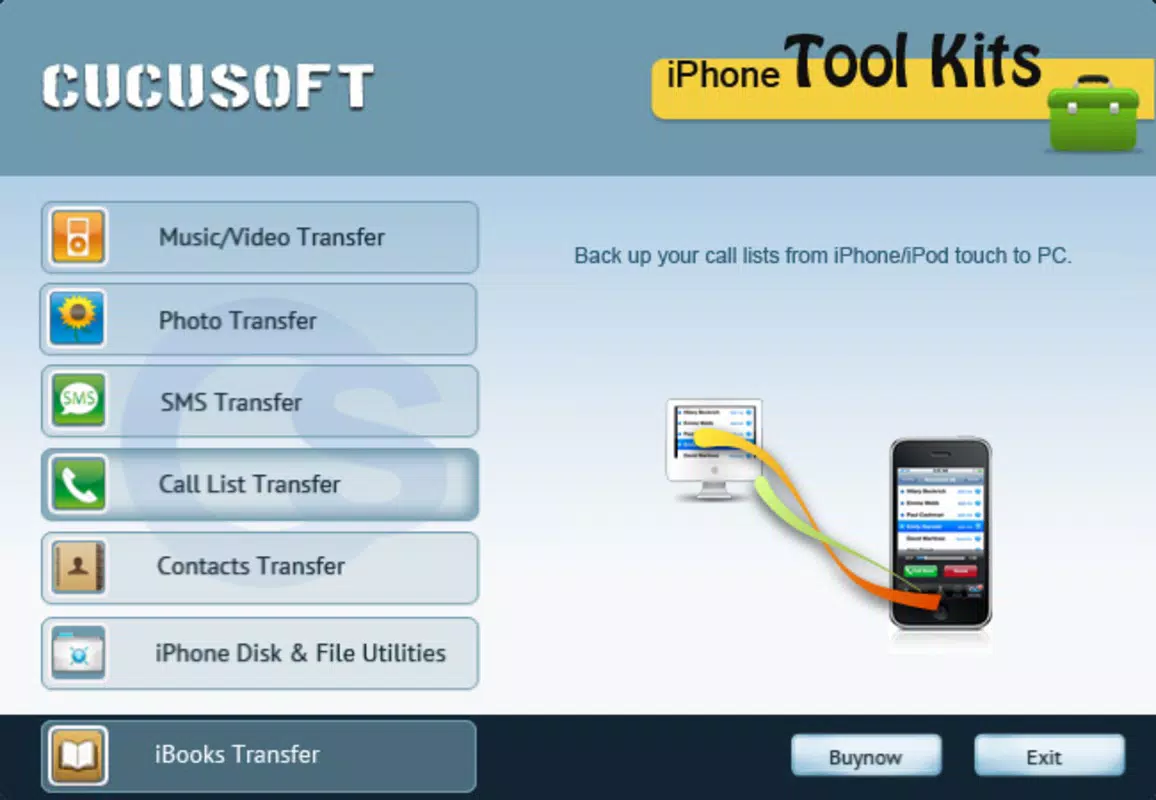
Its primary purpose is to simplify the backup process for photos, videos, contacts, SMS messages, and eBooks—content that users often consider irreplaceable. By providing a straightforward method to export and store this data, the app helps prevent data loss due to device failure, theft, or accidental deletion. The target audience includes casual users, older adults, and anyone managing multiple Apple devices who require a reliable, low-effort backup tool. Although the developer, iPhone Tool Kits, is listed, no further background or corporate history is available. The app’s relevance in the mobile utility space lies in its focus on bridging a persistent gap in Apple’s ecosystem, offering a practical tool for data preservation in a digital age where personal content is increasingly valuable.
Key Features & Functionality
- User-Friendly Interface: The app features an intuitive layout that allows users to navigate through backup options without confusion. Even individuals unfamiliar with file management can quickly identify and select the data types they wish to back up.
- Flexible Backup Options: Users can choose from multiple data categories including photos, videos, contacts, SMS messages, and eBooks. This customization ensures that only necessary files are transferred, reducing clutter and saving storage space.
- Quick and Efficient Transfers: Designed for speed, iPhone Tool Kits minimizes transfer time through optimized data handling. Users can complete backups in a matter of minutes, making it suitable for regular use.
- No Technical Knowledge Required: The app eliminates the need for command-line tools or third-party software. Its plug-and-play nature allows users of all skill levels to perform backups independently.
- Reliable Data Security: The app employs secure transfer protocols to protect data during transmission. This ensures that sensitive information remains private and is not exposed during the backup process.
For example, a user preparing to upgrade their iPhone can use the app to back up all contacts and photos before the reset. Similarly, a parent managing a child’s iTouch can regularly transfer saved videos and messages to a computer for safekeeping. These real-world scenarios highlight the app’s practicality and its role in everyday digital life.
Interface, UX & Performance
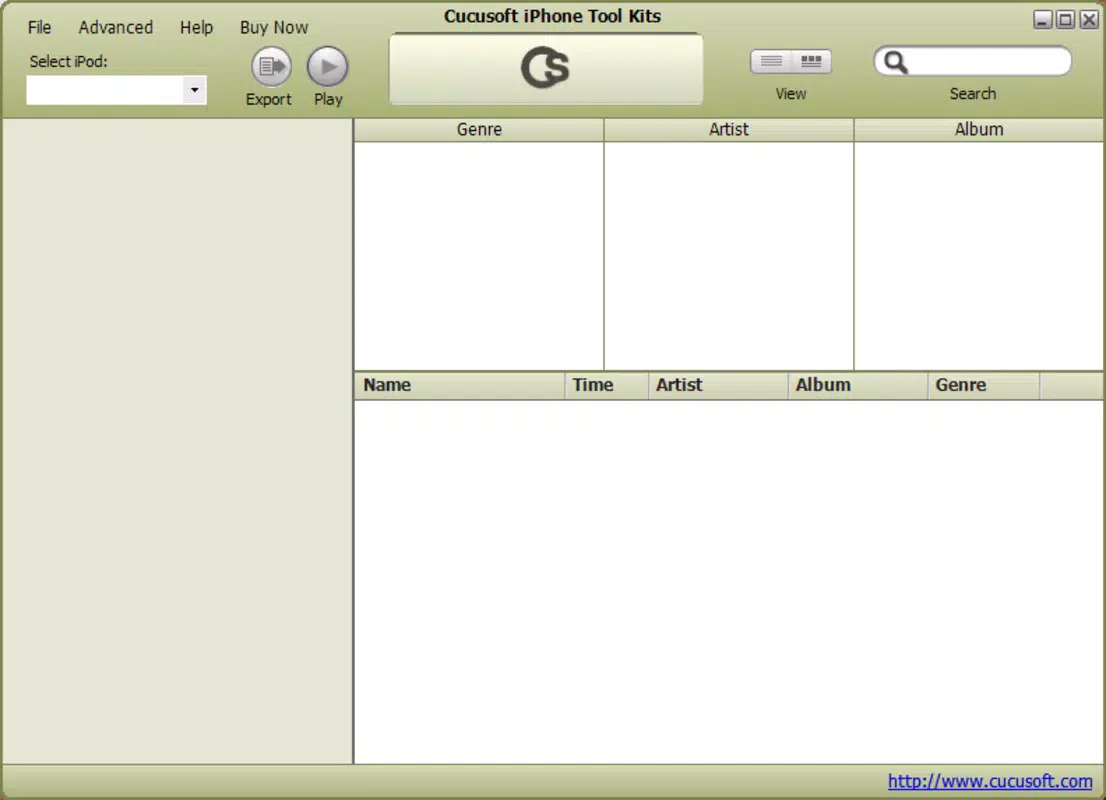
The user interface of iPhone Tool Kits is designed with simplicity in mind, featuring a clean layout that emphasizes accessibility. Navigation is linear and consistent, with clearly labeled options for each data type. The app avoids clutter, focusing only on essential functions, which contributes to a smooth user experience. Visual cues and minimalistic design elements help guide users through the backup process without overwhelming them.
Although the developer did not list formal performance metrics, the app is described as fast and efficient, suggesting stable operation during data transfers. It is expected to perform reliably across various Android devices, though specific compatibility details were not provided. Responsiveness appears to be a priority, with minimal lag reported during interactions.
Stability is implied through the app’s long-standing presence since its 2010 release, indicating consistent functionality over time. However, no information was shared about updates, bug fixes, or support timelines. The absence of known crashes or errors in public records suggests a dependable runtime experience, particularly for basic backup tasks.
Platform Compatibility & Technical Requirements
iPhone Tool Kits is available on the Android platform and requires no additional software to function. The current version is 1.0.0, with a file size of 2.5 MB, indicating a lightweight footprint. This small size suggests the app is optimized for low-resource devices and minimal storage usage.
However, the developer did not specify minimum OS requirements, leaving compatibility with older or newer Android versions unclear. Similarly, no details were provided about hardware specifications, screen resolution, or connectivity needs. Users are advised to ensure their Android device supports standard USB file transfer protocols to use the app effectively.
While the app was released in 2010, it remains available, suggesting ongoing support or stability.
Pros and Cons
Pros
- Simple, intuitive interface ideal for non-technical users
- Supports multiple data types including photos, videos, contacts, and SMS
- Fast and efficient transfer speeds reduce backup time
- Secure data transfer protocols protect user privacy
- Free to download and use with no in-app purchases
Cons
- No official update history or changelog provided
- Minimum OS and device requirements were not disclosed
- Limited information about developer support or future development
- Compatibility with modern Android versions is unconfirmed
- Does not appear to offer cloud backup or automatic scheduling
FAQ
Is iPhone Tool Kits safe to download and use?
Yes, the app is free and has been available since 2010. It does not require elevated permissions or root access, and its secure transfer protocols help protect user data during backups.
Can I use iPhone Tool Kits on my iPhone?
No, the app is designed for Android devices. It enables data transfer from iPhone, iPod, or iTouch to a computer, but it does not run on Apple’s iOS operating system.
Does the app support automatic backups?
Based on available information, iPhone Tool Kits does not appear to offer automatic or scheduled backups. Users must manually initiate each backup session.
What types of files can I back up?
The app supports photos, videos, contacts, SMS messages, and eBooks. These are the primary file types mentioned in the official description.
Is the app compatible with newer Android devices?
The developer did not specify compatibility details. While the app has remained available since 2010, its performance on modern Android versions has not been confirmed.
Final Thoughts
iPhone Tool Kits remains a niche yet functional utility for users navigating the limitations of Apple’s ecosystem. Its lightweight design, straightforward interface, and support for essential data types make it a practical choice for those seeking a simple backup solution. While the app lacks modern features like cloud integration or automation, its core purpose—secure, manual data transfer—remains effective.
It is particularly valuable for individuals who prioritize privacy and control over their data, avoiding third-party cloud services. The absence of cost and technical barriers enhances its accessibility. For users managing older Apple devices or needing occasional backups, this tool delivers reliable results.
Although not updated in recent years, its continued availability suggests stability and functionality. If you’re looking for a no-frills, secure way to back up iPhone, iPod, or iTouch data to your PC, this app still holds relevance.
Download iPhone Tool Kits now


